DOWNLOAD SERIES AND ARCHIVE PACKAGES
IMPORTANT NOTE:
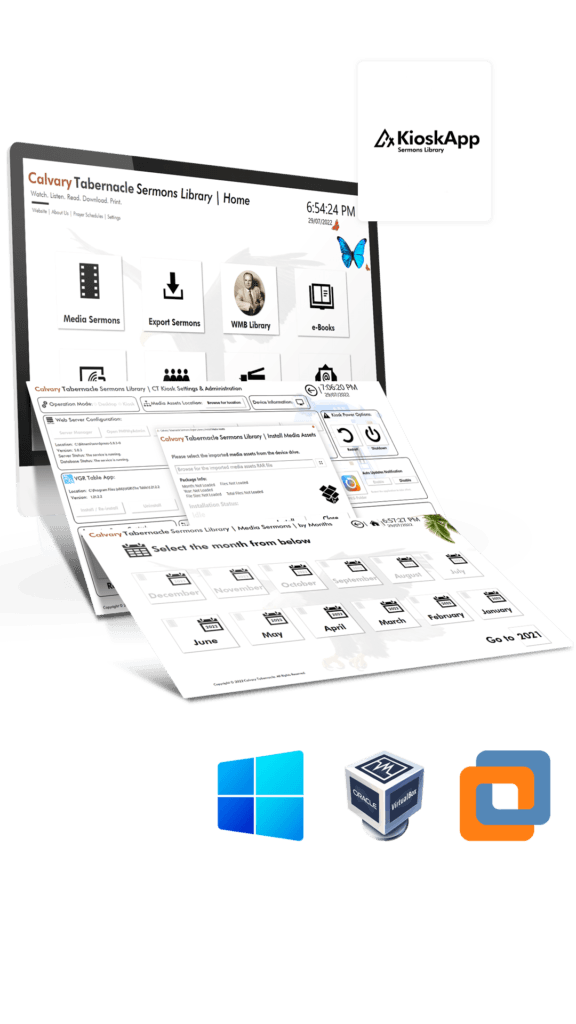
For your convenience, we provide the sermon update packages if you cannot download them through the CT KioskApp updater application.
To install the downloaded update packages, follow the below steps:
1. Download and Install the latest CT KioskApp and the Updater application.
2. Close the running CT Kiosk App and launch the CT KioskApp Updater from the desktop.
3. Click the Install Media Assets button from the top right corner (Next to the Shutdown button).
4. Select the Series or Archive option from the window.
5. Select the downloaded package file and it will be installed.